How to Choose the Right PC Cabinet for Your Build
A practical first guide to motherboard fit, component clearance, cooling and the details that make a build easier.
Words / Pixlboard
Reading time / 2 minutes
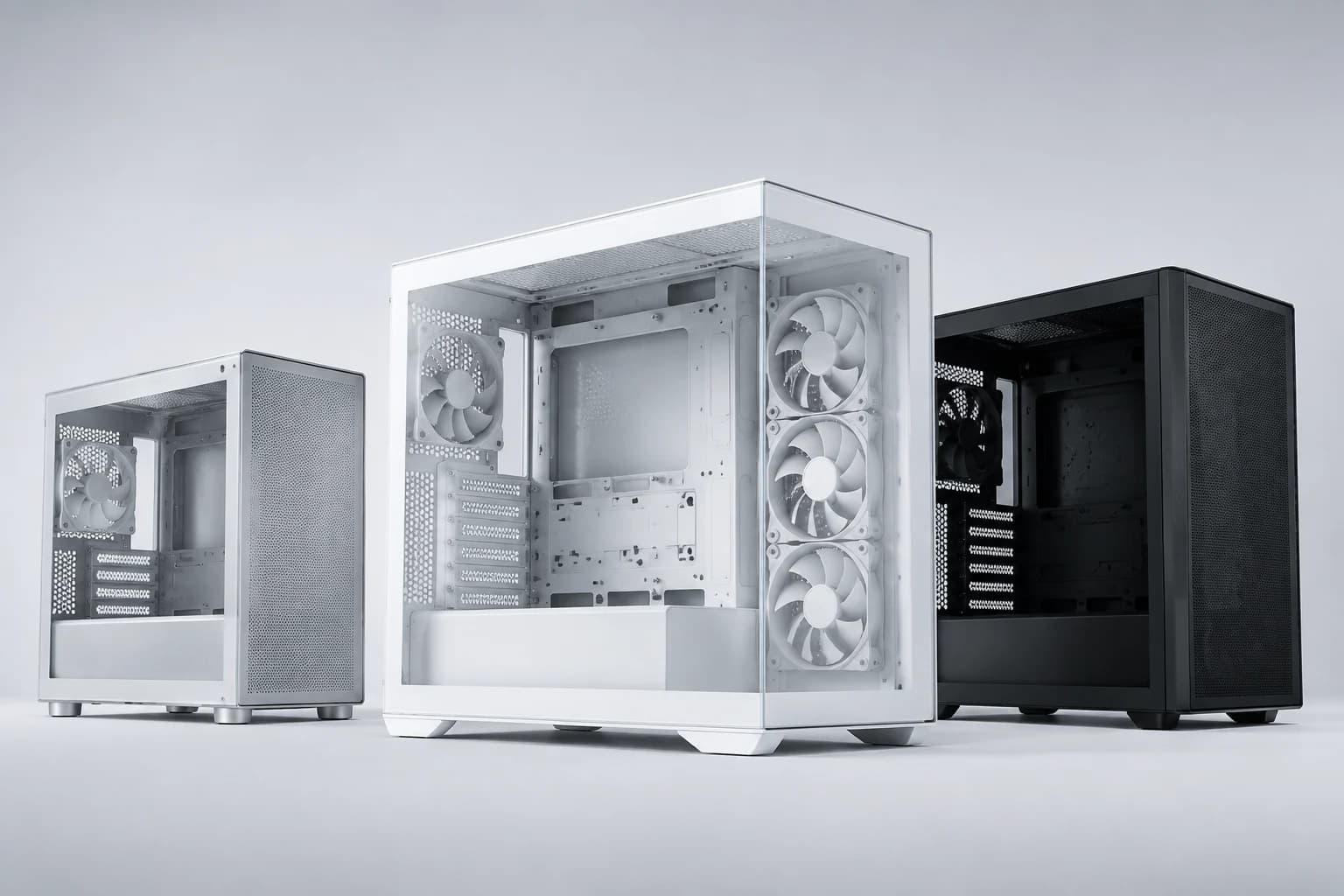
Your PC cabinet shapes how your build fits together, how easily you can work on it and how it looks in your space. Start with your components, then choose the design you want to live with.
Check motherboard support first. Mini-ITX, Micro-ATX and ATX describe motherboard formats; labels such as mini-tower and mid-tower describe the case more broadly. Read the exact compatibility list for the cabinet you are considering rather than relying on its name alone.
Next, compare the dimensions of your graphics card, CPU cooler and power supply with the case specifications. Radiators and fans also need room. Check the installation manual for the mounting position you plan to use: a case that supports a radiator at the front may have different limits at the top, and installed cooling hardware can affect nearby component clearance.
Think about how you will use the case every day. Look at the placement of USB ports, access to dust filters, room for cable routing and the storage mounts you actually need. Measure the space on your desk or under it, including room to reach ports and remove panels.
Finally, choose the finish and panel style. Glass can put your components on display, while a ventilated design can offer more direct air intake. Neither appearance nor the number of fan mounts tells the whole cooling story: consider the complete layout and the fans supplied with that exact model.
Before you choose: a short checklist
Confirm the exact motherboard model and supported board formats.
Compare GPU length, CPU-cooler height and PSU size with the case limits.
Check radiator size, mounting position and clearance with fans installed.
Confirm how many fans are included, and what connections or controllers they need.
Check storage mounts, front ports and the space available for the case.
Verify the exact color variant, current price and stock status before ordering.
A good cabinet gives your components the room they need and makes the build comfortable to assemble and maintain. Explore the Pixlboard cabinet collection with your component list beside you, and ask for compatibility help when a specification is unclear.
Explore the hardware
From reading to your next build.
Browse products in the categories covered here. Check each product’s specifications and compatibility with your system before buying.